
When a buyer asks, “What is a study Bible?”, the short answer is a Bible edition with additional material designed to help readers navigate and understand the text. Depending on the edition, that material may include study notes, commentary, cross-references, book introductions, maps, charts, a concordance, an index, or color inserts. It is not a single fixed format, and no one edition has to include every feature.
For a publisher or product team, every added feature changes the page plan, layout density, paper demands, or binding brief. Treating a study Bible as “a regular Bible plus a few notes” can leave too little room for reference matter or push binding and cover decisions too late.
What is a study Bible?
A study Bible combines the biblical text with supporting editorial and reference content arranged around it or in dedicated sections. A regular Bible may contain occasional translation footnotes, but a study edition generally adds more extensive notes, explanations, navigation aids, or visual reference material. The exact feature set depends on the publishing brief.
| Edition component | Regular Bible | Study Bible implication |
|---|---|---|
| Main text | The primary biblical text | The same core text, plus space planned around or after it |
| Notes | May have limited translation notes | Study notes or commentary can add substantial text and extra hierarchy |
| Navigation | Basic book and chapter structure | Cross-references, indexes, concordances, or tabs may add dense navigation systems |
| Visual reference | Usually limited | Maps, charts, illustrations, or color inserts may require special page planning |
| Physical brief | Often driven mainly by text, trim size, and use | Must balance content volume, readability, paper opacity, bulk, binding, and cover construction |
If you are converting an approved editorial concept into a manufacturing brief, start with Kingtai’s custom Bible printing page as a specification reference, then compare the wider Scripture publishing solutions context. Both point toward the same practical starting point: define use, format, paper, binding, cover, sampling, and quality expectations together.
Which added features increase page count?
Notes, commentary, introductions, maps, charts, concordances, and indexes can all increase the amount of printed matter. The increase is not always page-for-page: content can sit in a second column, use smaller reference type, move to front or back matter, or combine with the main text. Each choice changes pagination and reading experience.
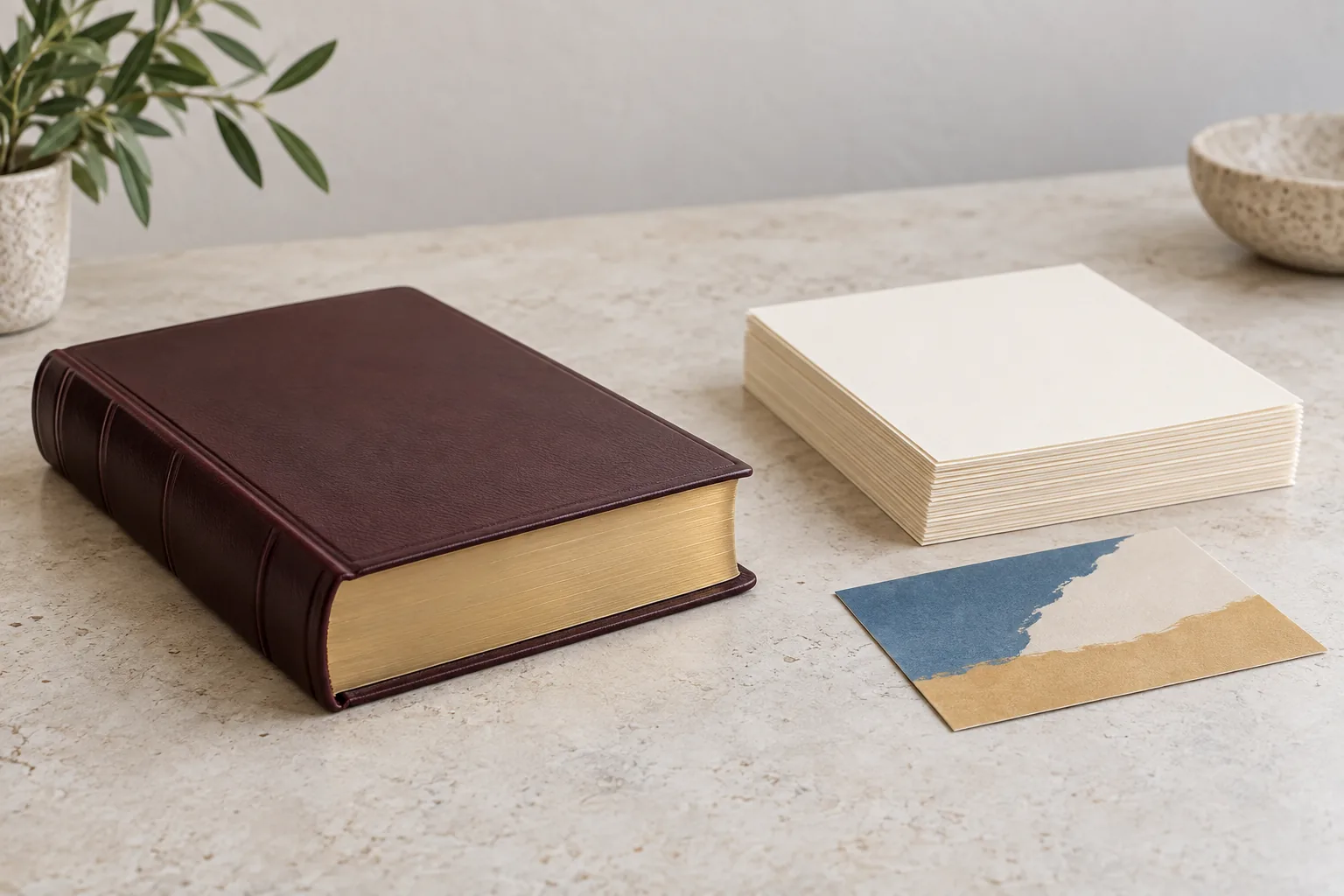
| Added feature | Possible physical effect | Planning question |
|---|---|---|
| Study notes or commentary | More lines per spread, smaller text area, or additional pages | Which notes sit beside the text, and which belong in separate sections? |
| Book introductions and outlines | Additional opening pages for individual books can change pagination and signatures | Are these included in every edition or only selected books? |
| Maps and charts | Dedicated pages, color sections, or insert planning | Are they integrated into the text block or grouped elsewhere? |
| Concordance or index | More end matter and a different back-of-book balance | Which terms, names, or subjects need entries, and how much cross-reference detail is required? |
| Cross-reference system | Denser footers, margins, or columns | What is the smallest usable reference treatment at the selected trim size? |
The page count should be treated as a live production variable until editorial content, trim size, type size, and layout rules are locked. A late index expansion can alter the last section, spine calculation, and cover plan. A late decision to add full-color maps can change the section sequence and proofing requirements.
Feature sets vary by edition. Model the actual content before asking for a final physical specification, especially if the brief prioritizes notes, maps, large type, reference tools, or portability.
How do notes and commentary change page layout?
Notes and commentary change a study Bible from a single text flow into a controlled page hierarchy. The designer must decide how the main text, note markers, explanatory text, headings, footers, and page numbers relate to one another without making the page tiring to read.

Common layout decisions include:
- A single text column with notes at the foot of the page.
- Two columns for the main text, with notes in a side or lower band.
- Distinct note type, rules, shading, or symbols to separate editorial material from the biblical text.
- A gutter and margin plan that keeps the inner text usable after binding.
Dense layouts can save pages but reduce type size, white space, and tolerance for pagination changes. Sparse layouts may improve reading comfort while increasing bulk. The right choice depends on the edition’s use case, not a generic template.
The file needs more than a screen check. Verify note markers, references, headings, folios, and the final imposition. Kingtai’s custom printing services overview describes a similar file-to-sample sequence. Apply that discipline to the most content-dense pages first.
What do maps, charts, and color inserts require?
Maps, charts, illustrations, and color inserts require a separate pagination and production plan when included. They can use different ink coverage, paper, section order, or finishing from the text block, so they should not be added after the main text is paginated.
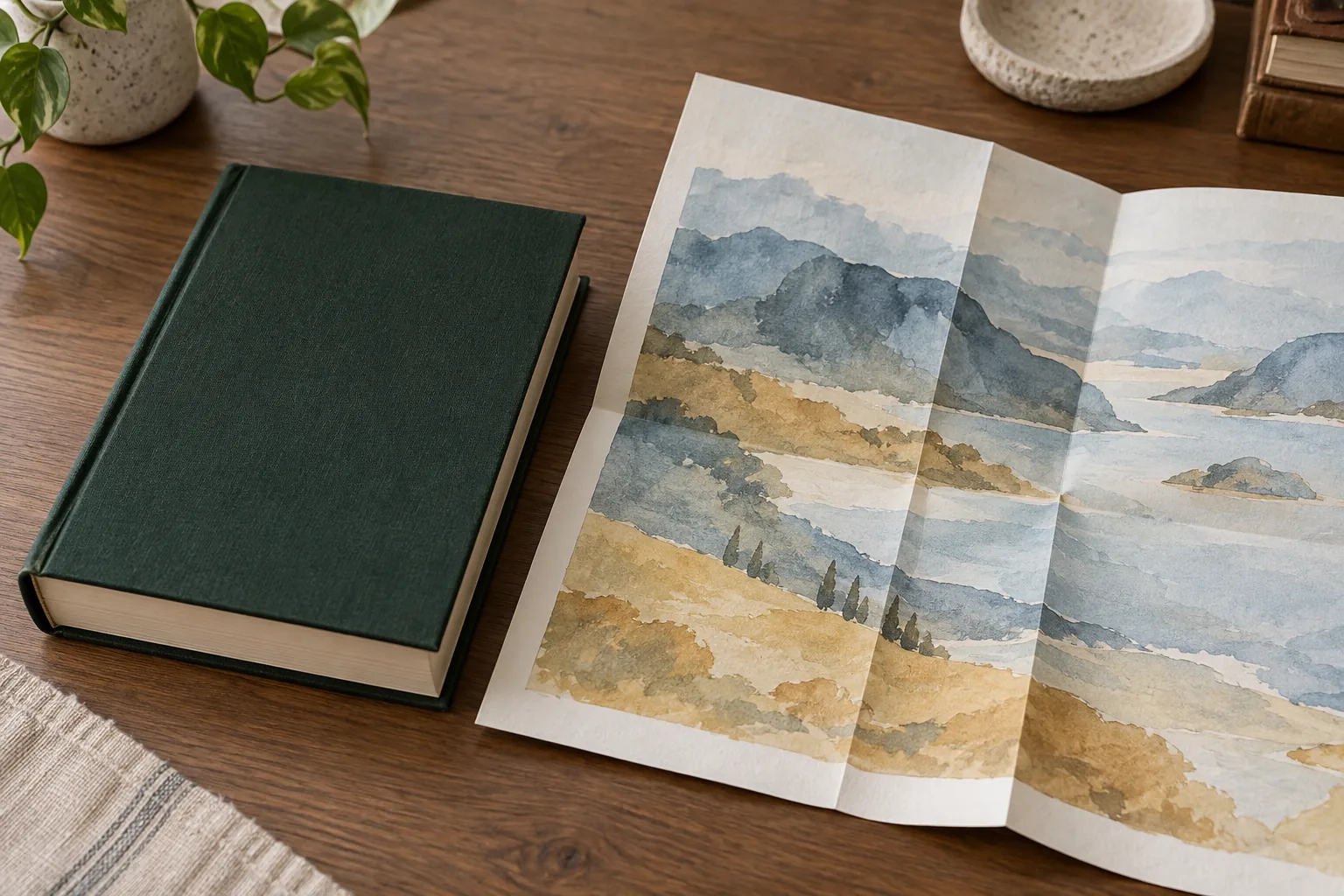
First, define where the visual material lives. A map near a relevant book may improve navigation but interrupt the text sequence. A grouped map section simplifies the text block but adds a reference section that needs clear numbering. A chart can fit inside a text page, move to an insert, or use a simpler one- or two-color design.
When color pages or inserts are planned, confirm:
- Their final page numbers and section order.
- Whether they use the same paper as the text block.
- How color proofing will be compared with the approved target.
- How the pages are gathered, folded, inserted, and bound.
- Whether tabs or navigation labels still align after the insert plan changes.
For teams producing several content-heavy formats, the same pagination discipline appears in collection book printing. It is a comparison point, not a claim that the products use identical specifications.
How do cross-references and indexes affect navigation?
Cross-references and indexes add value only when readers can use them quickly. Physically, they create dense small-type areas, repeated symbols, extra entries, or additional end matter. They also affect page numbers, tabs, running heads, and other navigation elements.
Cross-references may sit in a margin, footnote area, column, or reference band. Each position affects width, gutter space, line length, and type size. Test the longest and densest reference lines, not only an average page. A compressed system may fit while failing its navigation purpose.
Indexes and concordances usually need a stable alphabetic or topical structure, consistent entry styling, and enough back matter to avoid awkward crowding. Confirm whether an index points to main-text pages, note pages, map pages, or a separate section. If the page plan changes late, every pointer may need to be regenerated.
Physical usability matters here. A study edition for repeated desk or classroom reference may need a different opening brief from a compact edition intended for carrying. Related custom notebook printing work illustrates why layout, cover, binding, and use should be evaluated as one system, even though the contents differ.
What does thin Bible paper need to handle?
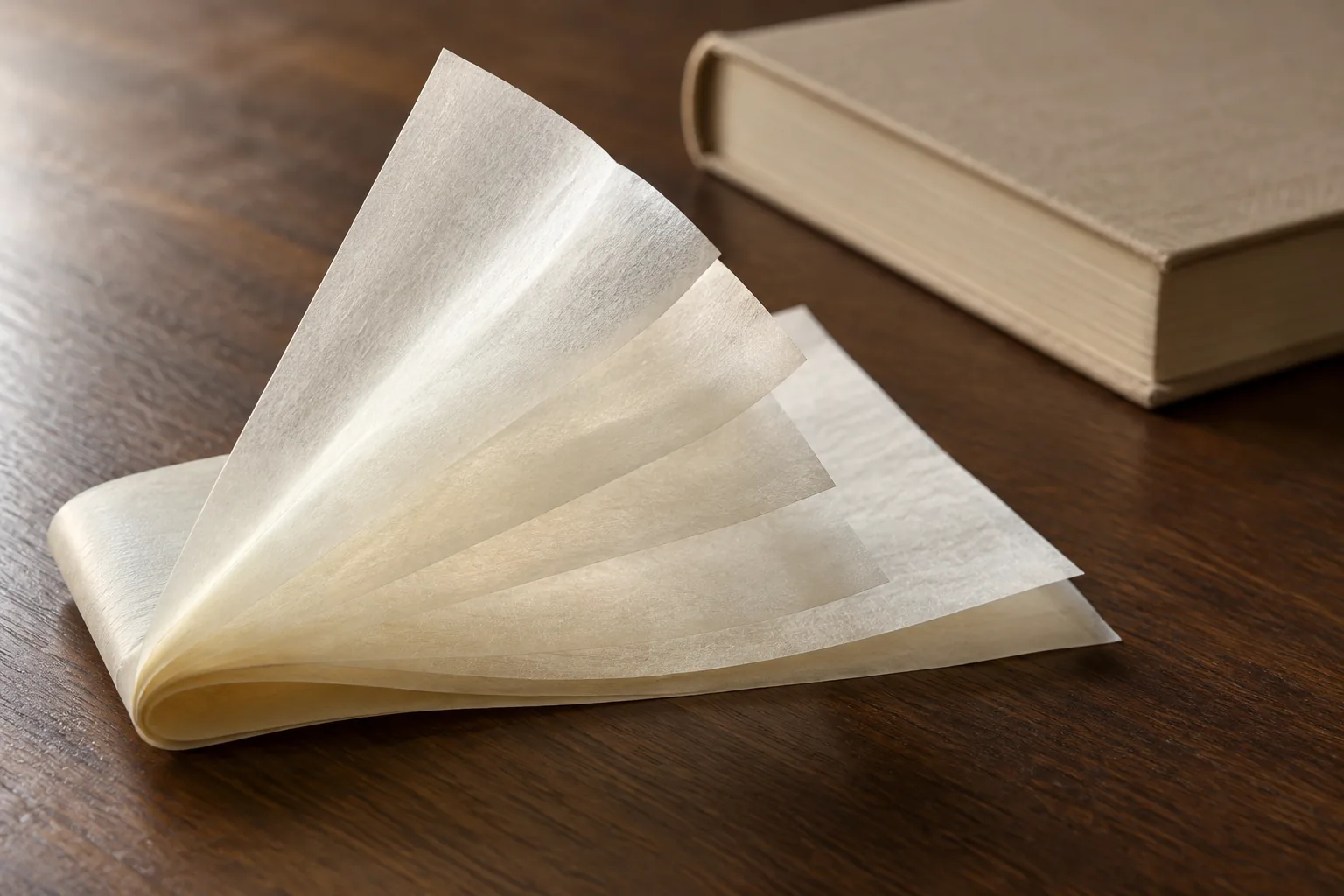
Thin Bible paper has to balance opacity, print clarity, handling, and total bulk. Paper weight alone does not define success. A Bible production guide treats opacity and page bulk as separate properties; its examples belong to specific editions, not a universal stock target. The choice depends on text size, ink coverage, page count, color content, folding, and opening behavior.
| Paper question | Why it matters | What to confirm in a sample |
|---|---|---|
| Can the reader distinguish text from reverse-side print? | Show-through can make dense notes and small type tiring | Check representative spreads under normal reading light |
| Does the print stay sharp? | Fine text and reference marks have little room for blur or uneven coverage | Review the smallest planned text and the most detailed reference page |
| Does the sheet fold and gather cleanly? | Thin sheets can reveal wrinkling, edge variation, or handling problems | Inspect folded sections, page edges, and the center of the book |
| Does the paper suit color pages? | Color inserts may need a different surface or section plan | Compare visual pages with the approved text-paper direction |
| Does it work with the binding? | Page behavior and binding stress are linked | Open, close, and flex the sample as the end user will |
The best paper decision is a performance decision. Ask the printer to review opacity, feel, printability, page count, and binding together rather than selecting paper from one specification line. Thin paper can reduce thickness, but opacity, readability, printability, and binding performance still need to work together.
Do not put an unverified minimum GSM in the RFQ. Instead, describe the reading requirement, the planned layout density, any color sections, and the sample tests that will determine whether the selected paper works.
How should page count influence binding and cover?
Page count affects more than spine width. It changes text-block bulk, opening behavior, binding stress, and the cover dimensions needed to contain the finished block. Paper thickness and inserts contribute too.

| Physical change | Binding or cover question | Sample check |
|---|---|---|
| More notes and reference pages | Can the chosen structure support the increased text block? | Open the densest and thickest sections repeatedly |
| More end matter | Does the back of the book remain balanced and comfortable? | Check closing action, spine behavior, and page turn near the index |
| Color sections or inserts | Does the section plan stay secure through gathering and binding? | Inspect insert placement, edges, and registration |
| Larger trim or type size | Does the cover still protect the block without making handling awkward? | Review cover fit, hinge movement, and overall feel |
| Premium cover material or finish | Does the exterior direction match the weight and use of the edition? | Confirm wrap, spine, edge, and finish alignment on a physical sample |
Binding and cover should be selected after the content plan is credible. A cover suitable for a short text block may feel under-specified once notes, maps, and indexes are added. Rigid and flexible covers offer different handling experiences; neither is automatically correct for every edition.
For a focused review of cover-material trade-offs, see Kingtai’s custom Bible cover material guide. It is a planning resource, not a recommendation for one cover or finish.
Which specifications should publishers lock before sampling?
Before sampling, lock the decisions that control pagination, layout, materials, and approval.
At minimum, record:
- Trim size and orientation.
- Estimated final page count, including front and back matter.
- Main-text type size, column plan, note treatment, and reference hierarchy.
- Cross-reference, concordance, index, map, chart, and color-insert requirements.
- Text-paper direction and the reading conditions the sample must satisfy.
- Binding direction, cover construction, spine treatment, and finishing expectations.
- Which pages or spreads need color, special proofing, or closer inspection.
- Packing, labeling, version control, and repeat-order expectations.
For an RFQ, separate confirmed requirements from open choices. “Study notes included” is not enough. State note placement, map color, index targets, and content versions. If page count is moving, request a conditional production review rather than treating an early estimate as final.
You can contact Kingtai with the content type, approximate quantity, trim direction, page plan, paper preference, and binding questions. That gives the production conversation a usable starting point.
How can a study Bible project reduce production risk?
The safest projects make physical decisions visible before bulk production. A sample should test the pages most likely to fail, not only an easy opening spread.
Use a staged review:
- File review: Check pagination, note markers, index structure, map placement, color pages, and versions.
- Specification alignment: Confirm paper, trim, binding, cover, finish, and intended use.
- Representative sample: Inspect a dense note page, normal text, a map or chart, a color section if included, and the book’s beginning and end.
- Approval record: Record the approved paper, layout, cover, binding, finish, and acceptable variation.
- Bulk comparison: Compare text clarity, page behavior, binding, cover alignment, and finish with the approved direction.
The goal is not to eliminate every editorial choice. It is to prevent an unresolved content decision from becoming a physical defect. Kingtai’s Bible printing case study describes a similar emphasis on specification alignment, proofing, binding, print clarity, and stable bulk execution. For a project still at concept stage, the custom Bible printing service is the more direct place to frame those questions.
What should you remember when planning a study Bible?
A study Bible is a Bible edition with additional notes, commentary, navigation tools, visual references, or other editorial material. Those features work only when the physical format supports them. Notes and indexes consume space; maps and color inserts complicate pagination; cross-references increase layout density; thin paper must be judged by opacity, print clarity, folding, feel, and binding together. A more complex text block changes the binding and cover brief.
For B2B buyers, the next step is a production-ready content brief: define the actual feature set, estimate the complete page plan, identify the most demanding spreads, and decide what the sample must prove. Kingtai’s documented Bible-printing support covers paper, binding, sampling, quality control, and production planning, so a specification conversation can begin before every detail is final.
If you are preparing a new edition, share the content plan and physical priorities through Kingtai’s homepage and ask for a review of the next production step.
FAQ 1: Is every study Bible the same format?
No. Study editions can differ in notes, commentary, maps, charts, cross-references, indexes, type size, trim size, and cover format. Confirm the actual feature list before estimating pages or materials.
FAQ 2: Do study notes always add pages?
They often add pages or make the layout denser, but the effect depends on whether notes are placed beside the main text, in footers, in side columns, or in separate sections. Pagination should be calculated from the real layout.
FAQ 3: Does thin paper automatically make a study Bible better?
No. Thin paper may help control bulk, but it still has to provide acceptable opacity, print clarity, handling, and binding performance for the selected content and use case.
FAQ 4: Should the cover be chosen before the final page count?
The cover direction can be explored early, but final cover construction and spine details should be confirmed against the approved text block, paper, inserts, and binding plan.
FAQ 5: What should a publisher send with a study Bible RFQ?
Send the intended use, trim size, estimated page count, layout sample, feature list, paper preference, color or insert requirements, binding and cover direction, quantity range, and the points the physical sample must verify.